24-hour armed response
Tap the panic button and the closest armed responder is dispatched directly — anywhere in South Africa.
Your policy includes 24-hour armed response — dispatched straight from the app to your live GPS location. Follow these nine simple steps to download, activate, and test your protection. It takes about five minutes.
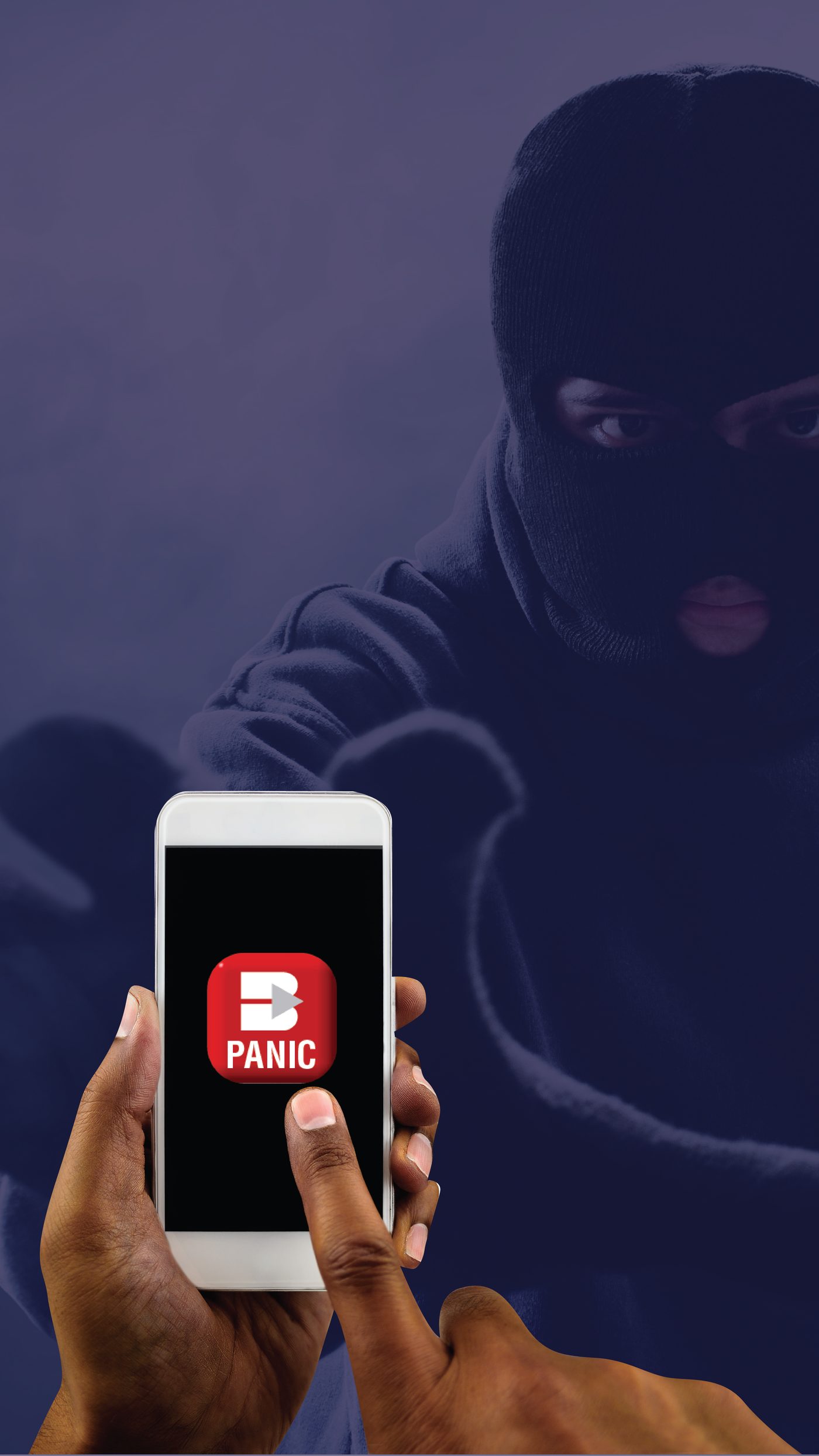
Tap the panic button and the closest armed responder is dispatched directly — anywhere in South Africa.
If you're a victim of mugging, assault or armed robbery, Panic Alert replaces stolen and damaged belongings.
Your location is only shared the moment you panic. Track the response vehicle on its way to you in real time.
Access to professional trauma counselling helps you recover after a difficult incident — included in your cover.
From a verified test, to a real panic, to a response vehicle on the way — here's exactly what you'll see on your screen.
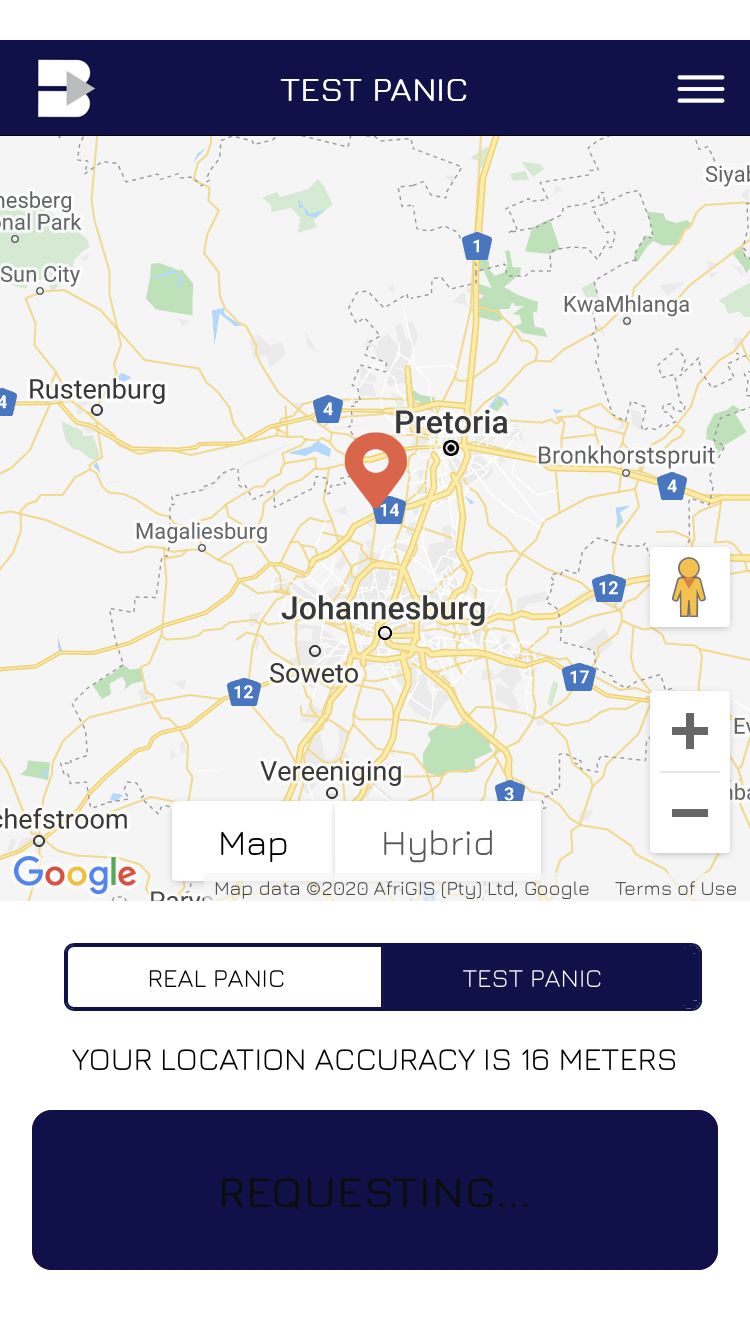
Confirm your phone, signal, and policy link in seconds. Always run a test first.
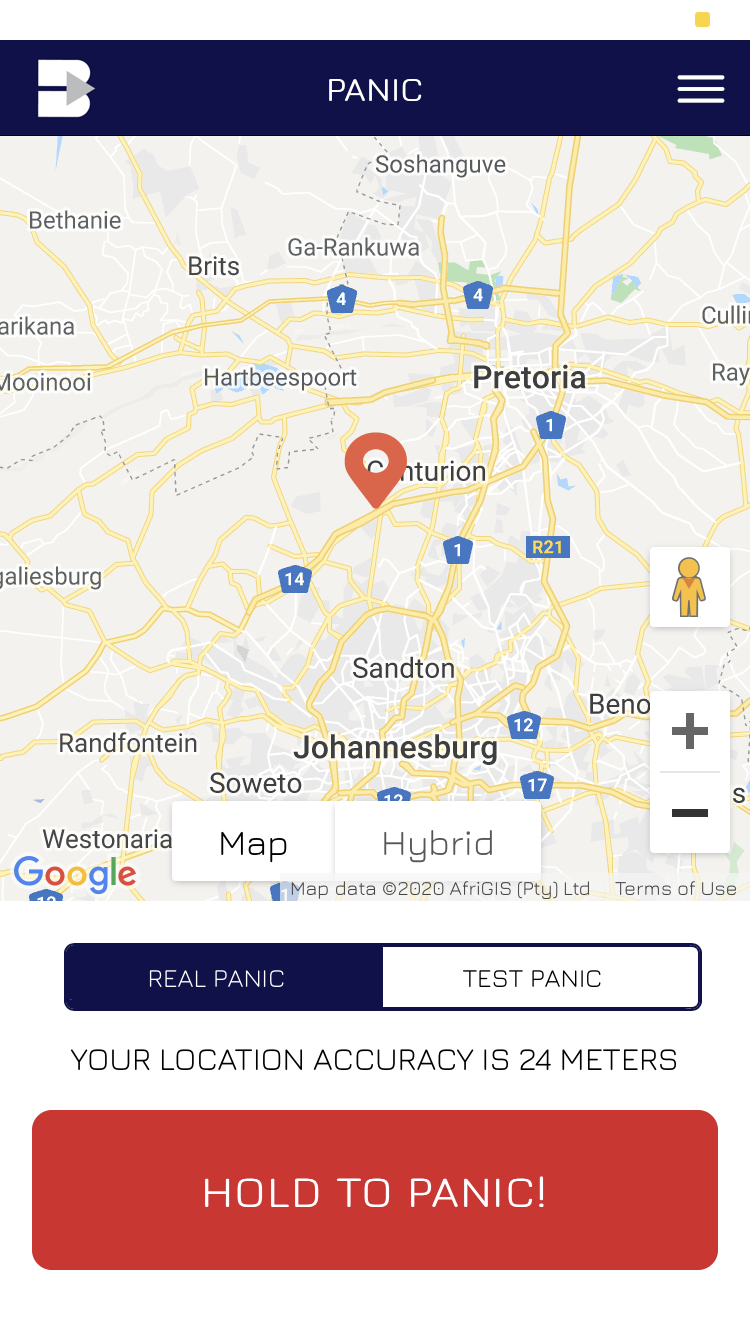
If something feels wrong, hold the red button. Your GPS goes straight to the control room.
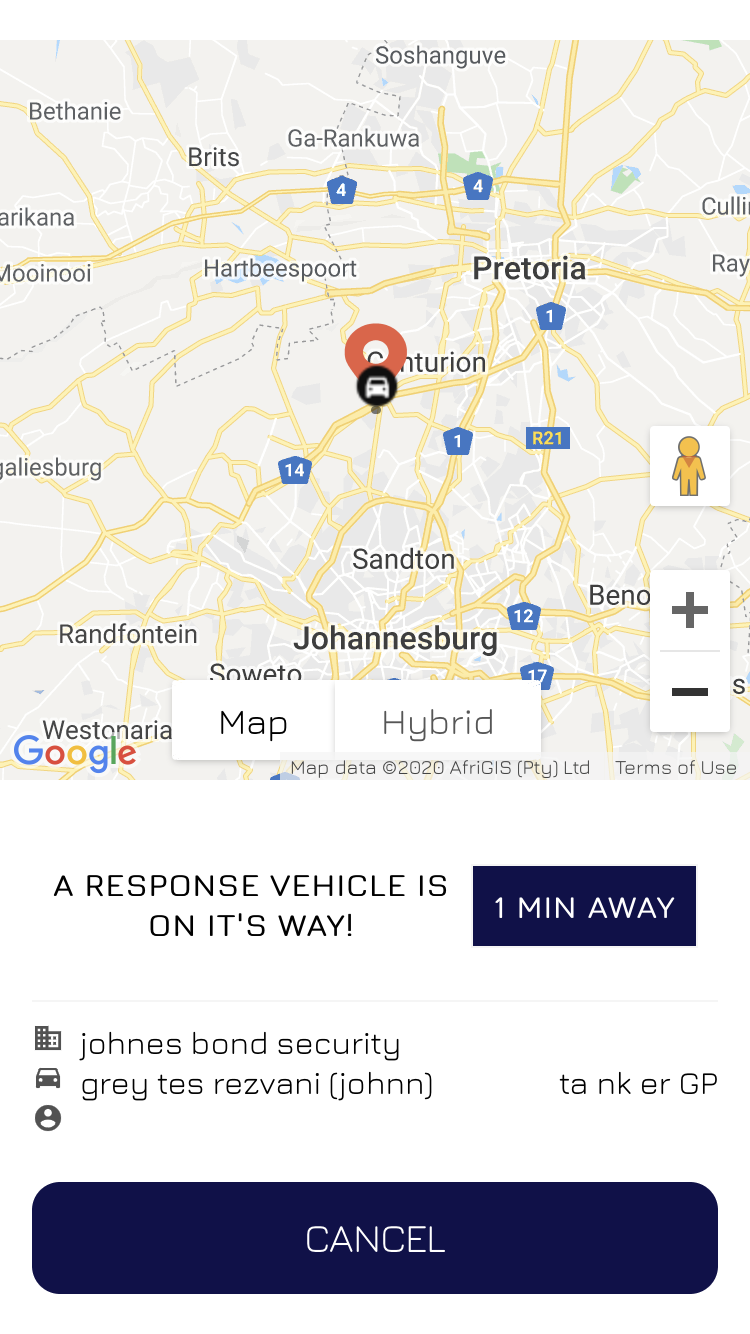
Watch the closest armed responder approach your location, with their ETA in real time.
The Bidvest Panic Alert app only works once you've installed it, activated it with your coupon code, and run a successful test. Five minutes today means peace of mind every time you walk to your car, work late, or hear a noise at night.
Have your activation SMS or email open before you start — you'll need the coupon code inside it.
Use the link in your activation email, or search "Bidvest Panic Alert" in the Apple App Store or Google Play Store.
Launch Bidvest Panic Alert on your phone and tap the orange Log in button to begin.
Give the app permission to use your device location. This is critical — without it, the response team can't be sent to you.
Use the same number you gave when you bought the policy. Accept the terms and conditions, then tap Submit.
An OTP arrives by SMS within seconds. Type it in and tap Submit. Didn't get it? Tap "Did not get the code?" to resend.
Fill in your name, surname, email and date of birth. The response team uses these details when you panic, so accuracy matters.
Select Coupon Code and enter the code from your activation SMS or email, then tap Activate Subscription. Dependants follow the same steps with their own coupon code.
Press and hold the Test Panic button until it turns blue. You'll get a confirmation call from the control room within seconds — this proves your setup is working.
Your Panic Alert app is now active and ready to use, 24 hours a day, anywhere in South Africa.
The Bidvest Panic Alert app is free to download and is activated using the coupon code in your policy activation email.
Look for the code in your activation SMS and email — it identifies your policy on the app and starts your cover.
The Test Panic confirms three things at once: that your phone has signal, that the app is correctly linked to your policy, and that the control room has your number. Hold the Test Panic button until it turns blue — a confirmation call follows within seconds.
If you don't get the call, contact panicalertapp@bidvestinsurance.co.za straight away.
Choose the line that fits — armed response is open 24 hours; admin and claims keep business hours.